Choose a PDF
Add the document whose pages you want to convert.
Render every page as a high-quality JPG and download the results together.
Add one PDF to begin. Your file remains inside this browser tab.
or drag and drop hereYour files are not uploaded to Pageivo. Keep this tab open until processing finishes.
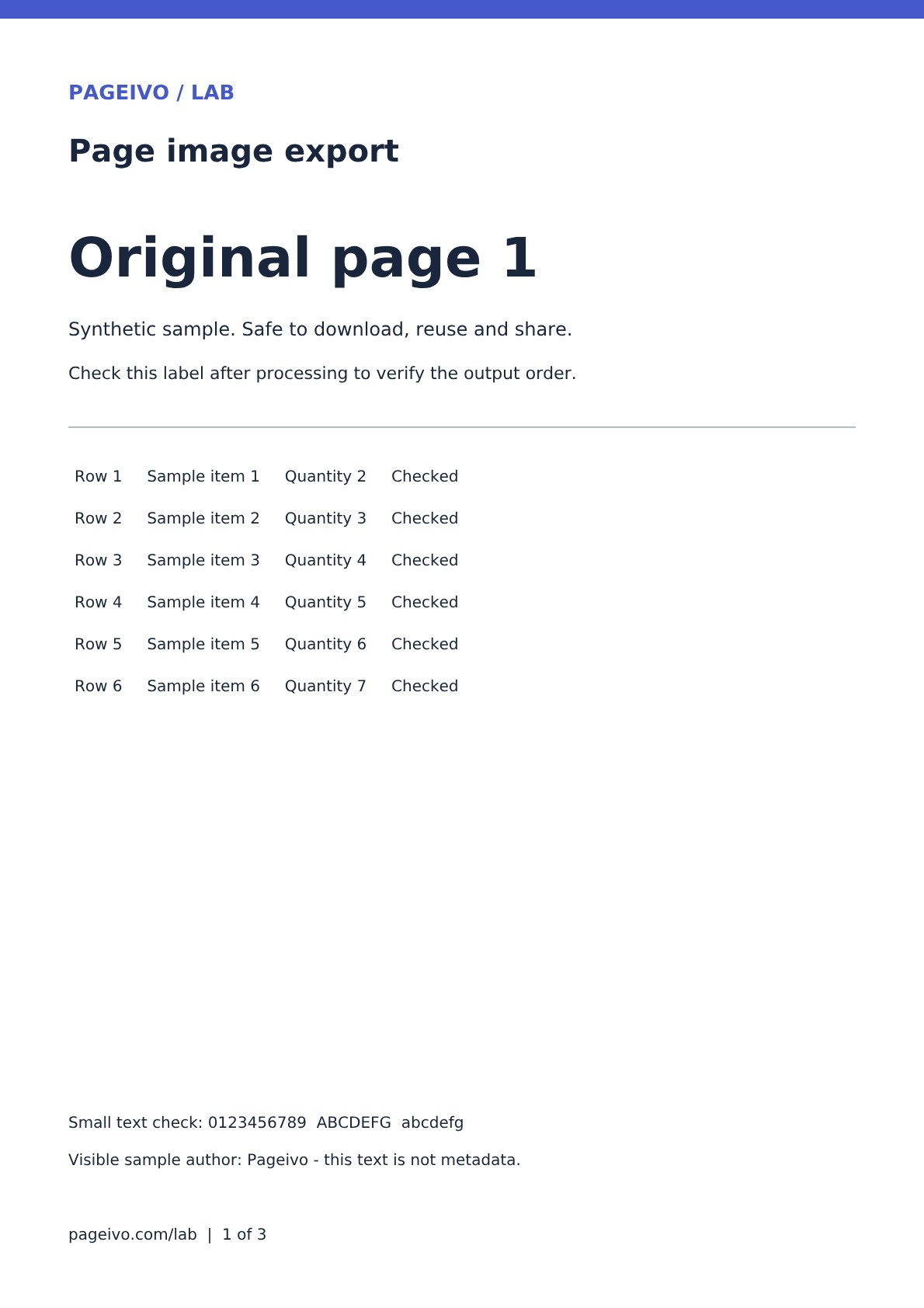
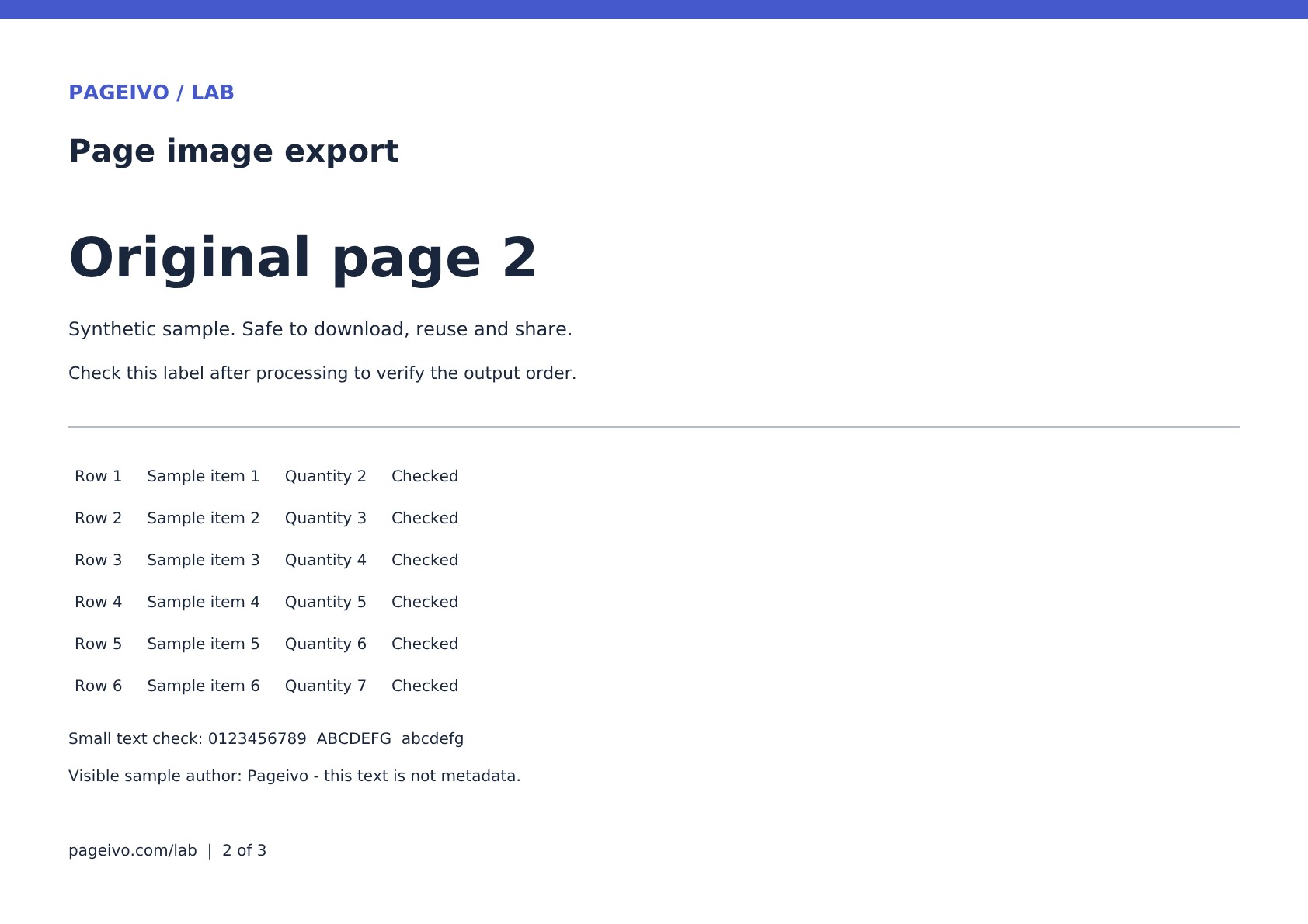
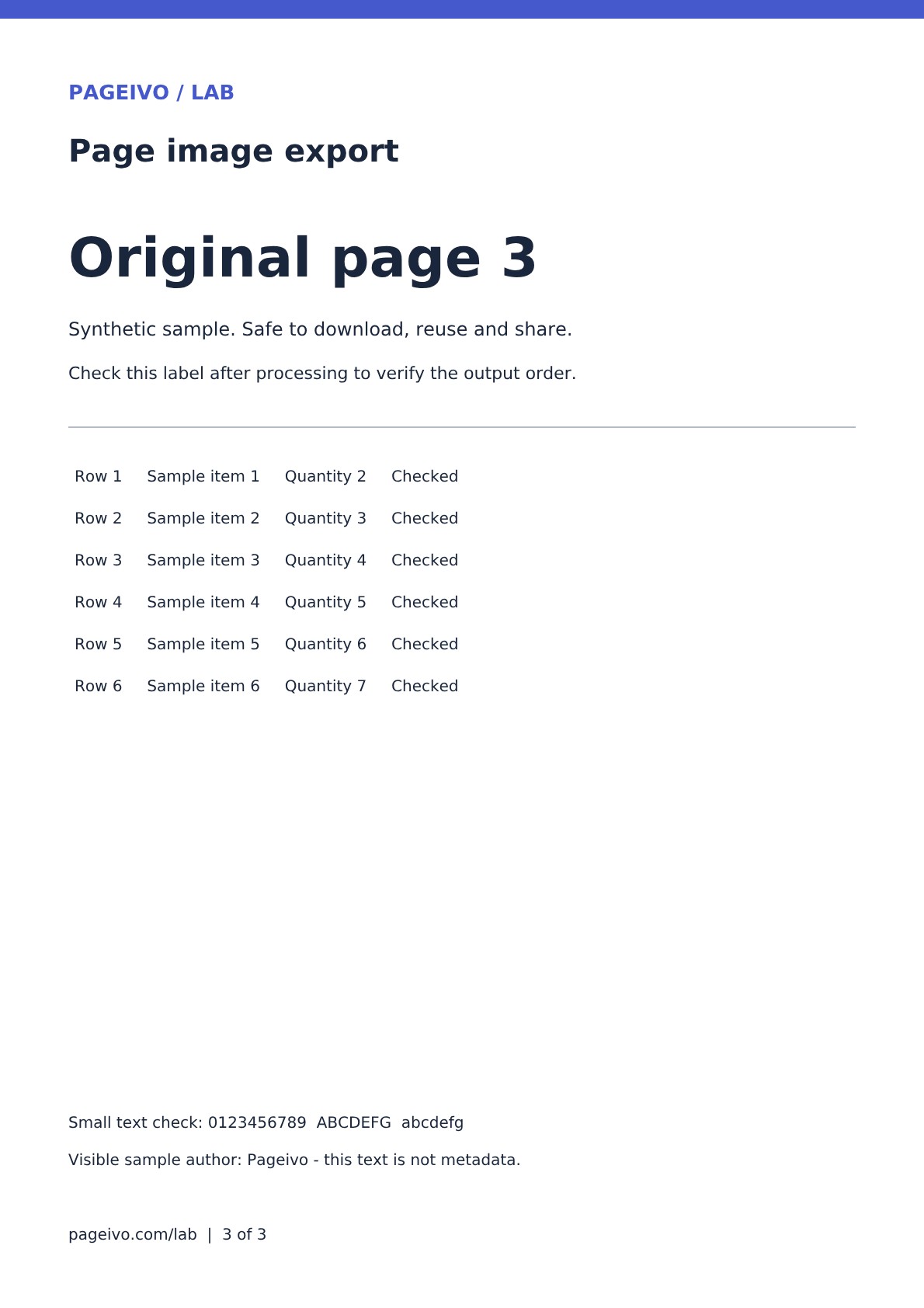
A three-page PDF, including a landscape page, becomes three JPG images in a ZIP.
Try it: Choose PDF to JPG, then extract the downloaded ZIP and inspect each image.
Export PDF pages as high-quality JPG images for presentations, websites or messaging apps. Multi-page documents are delivered together in a ZIP file.
Add the document whose pages you want to convert.
Pageivo draws each page at high resolution in your browser.
Download one JPG or a ZIP containing every converted page.
Pages are rendered at twice their standard display scale.
Multiple JPG files arrive in one ZIP download.
The PDF contents are not sent to an image server.
Pageivo performs this operation in your browser. Your selected file does not need to be uploaded to a Pageivo conversion server.
Pages are rendered at 2× display scale for a practical balance of clarity and size.
Multi-page PDFs create multiple images, so Pageivo groups them together.
Use Extract PDF Pages first, then convert the smaller PDF.
No. JPG is an image format and cannot keep PDF links or selectable text.