What was actually checked
The reference files were generated on September 9, 2026. Page copying and metadata cleanup use the same helpers as the Pageivo tools. PDF.js independently read the output page labels and verified the password-protected reference.
Compression and JPG references use Pageivo's rendering settings with a Node canvas. Browser results can have different byte sizes. These examples do not establish a universal compression ratio, file-size limit or guarantee for every PDF.
Reproduction details and file checksums
Node v24.19.0, PDF.js 6.2.108, pdf-lib 1.17.1, @napi-rs/canvas. Source generator: scripts/generate-lab-fixtures.mjs. The reference checks cover page counts and sequences, six cleared information fields, image dimensions, archive contents and password opening.
Merge three files in a known order
Two pages from A, three from B and one from C become one six-page PDF.
Try it: Load A, B and C in that order, then choose Merge PDF.
- Output 1A1
- Output 2A2
- Output 3B1
- Output 4B2
- Output 5B3
- Output 6C1
Start with these files
- A: 2 pages43.8 KB
- B: 3 pages44.8 KB
- C: 1 page42.8 KB
Compare the result
- Six-page reference result119.0 KB
Checks on the reference files
- Six pages in the expected order
- Page labels readable by a separate PDF reader engine
Extract five selected pages
A selection of 2,5-7,10 becomes one five-page PDF.
Try it: Select the numbered source and enter 2,5-7,10, then choose Extract PDF Pages.
- Output 12
- Output 25
- Output 36
- Output 47
- Output 510
Start with these files
- 10-page numbered source51.5 KB
Compare the result
- Five-page reference result42.9 KB
Checks on the reference files
- Five pages, including both endpoints of the range
- Original labels in exactly the requested order
Delete only the requested pages
Removing pages 2,4-5 from ten pages leaves seven pages.
Try it: Enter 2,4-5 in Pages to remove, then choose Delete PDF Pages.
- Output 11
- Output 23
- Output 36
- Output 47
- Output 58
- Output 69
- Output 710
Start with these files
- 10-page numbered source51.5 KB
Compare the result
- Seven-page reference result44.4 KB
Checks on the reference files
- Seven pages remain
- The result excludes only original pages 2, 4 and 5
Move and repeat a page
The order 3,1,2,4,2 repeats original page 2 in the fifth output position.
Try it: Enter 3,1,2,4,2 in New page order, then choose Reorder PDF.
- Output 13
- Output 21
- Output 32
- Output 44
- Output 52
Start with these files
- 10-page numbered source51.5 KB
Compare the result
- Reordered reference result42.2 KB
Checks on the reference files
- Five output pages
- The repeated selection appears twice; unselected pages are omitted
Compare compression size and readability
A synthetic scan with 10-point text and a table is processed with all three current presets.
Try it: Start with scan-source.pdf each time. Choose a preset, compress, then inspect the download at normal size and close zoom.
Start with these files
- Original image-based PDF151.4 KB
Compare the result
- Smaller file result29.0 KB
- Balanced result55.7 KB
- Clearer pages result91.1 KB
| Preset | Result | Size reduction | Rendered pixels |
|---|---|---|---|
| Smaller file | 29.0 KB | 80.8% | 685 × 969 |
| Balanced | 55.7 KB | 63.2% | 893 × 1263 |
| Clearer pages | 91.1 KB | 39.8% | 1131 × 1600 |
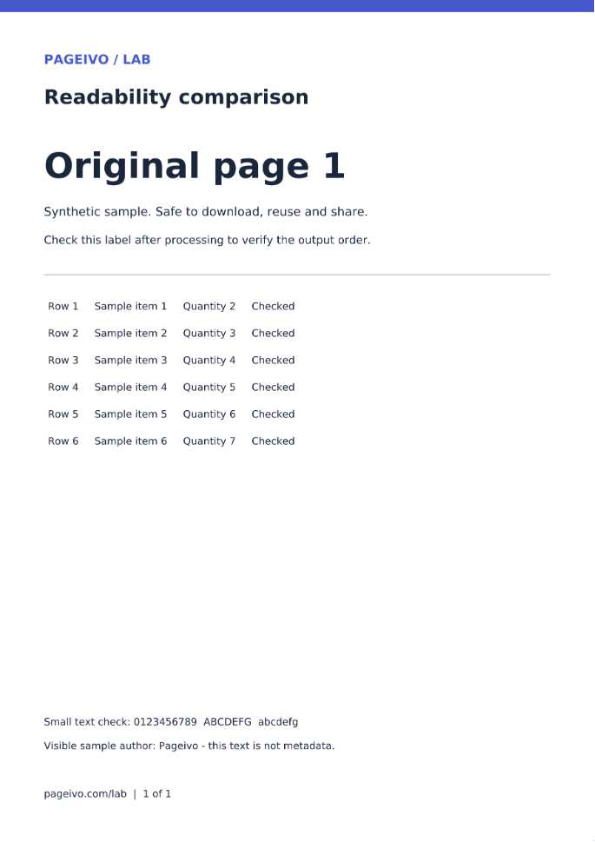
These reference files use the same PDF rendering library and presets as Pageivo with a Node canvas. Browser JPEG encoding can change file size and appearance. The percentages apply only to this sample, and the scan already has no text layer.
Checks on the reference files
- Each reference output has one page and no selectable text
- Actual file sizes measured; readability still requires visual judgment
Clear common metadata and keep visible text
Compare the document properties before and after cleanup. A visible sample-author sentence stays on the page.
Try it: Choose Remove Metadata, download the result and inspect its document properties.
Start with these files
- Source with sample metadata42.8 KB
Compare the result
- Cleaned reference PDF40.0 KB
Checks on the reference files
- Title, Author, Subject, Keywords, Creator and Producer are blank
- Dates are reset; this operation does not perform complete sanitization
Export portrait and landscape pages
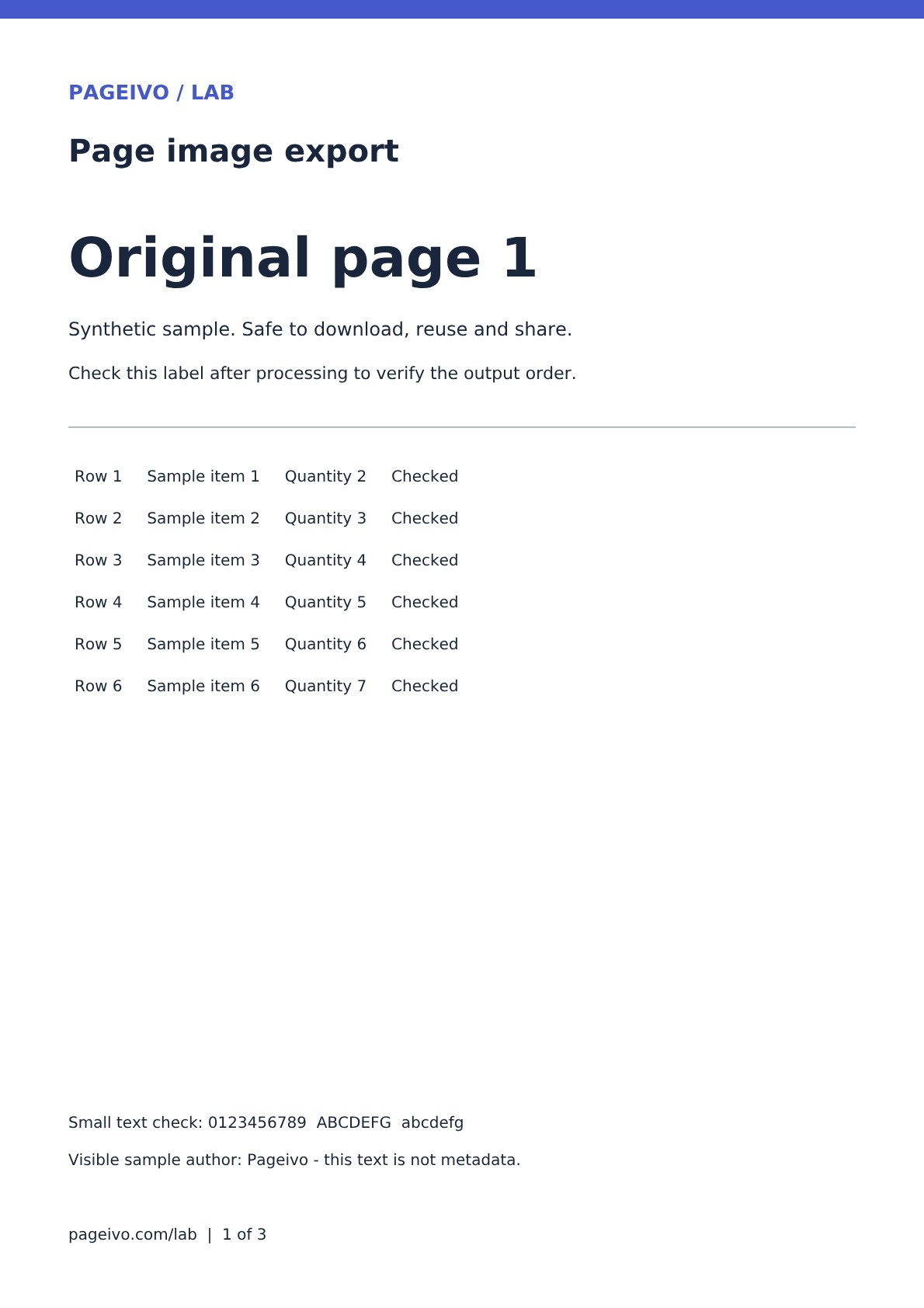
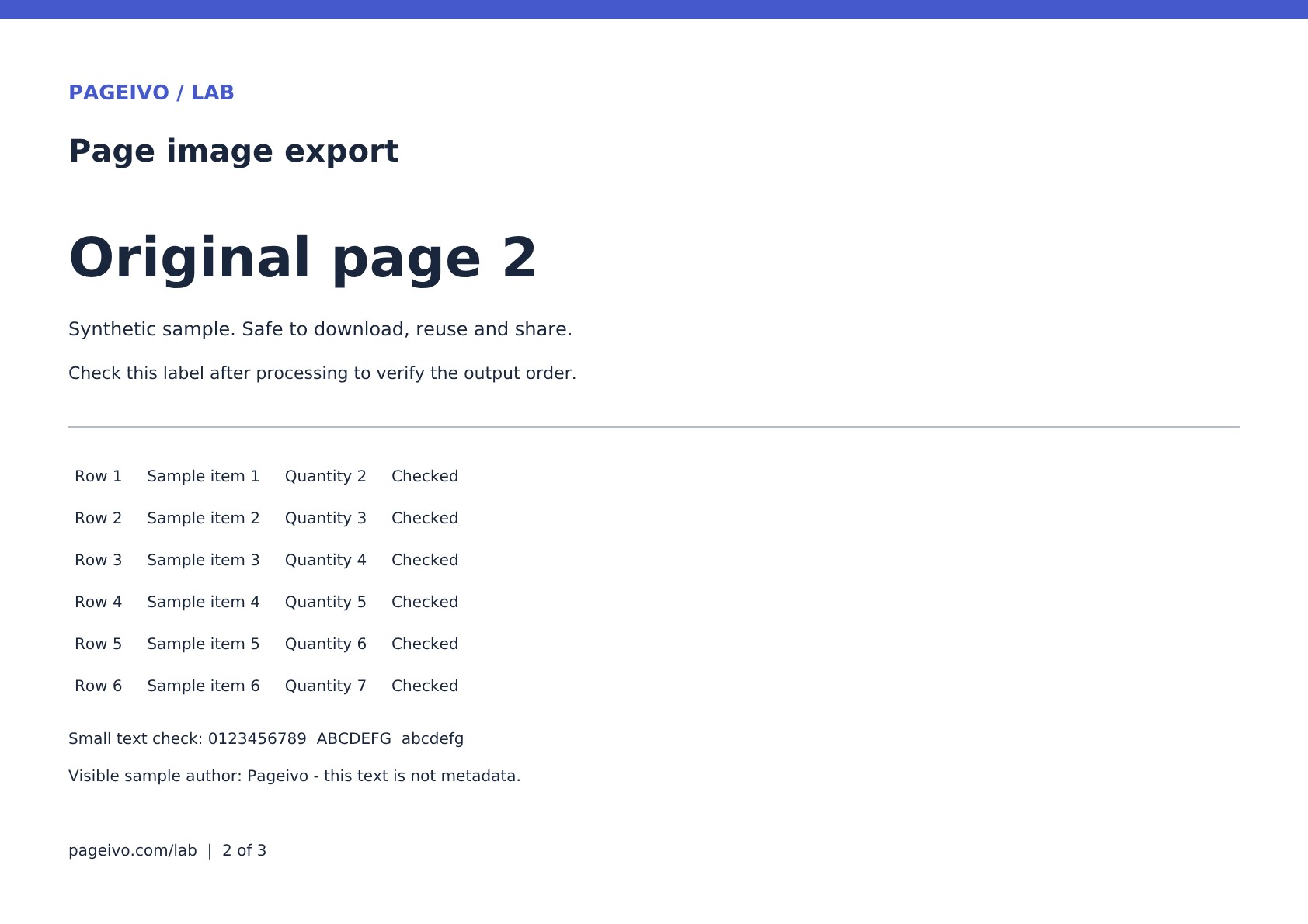
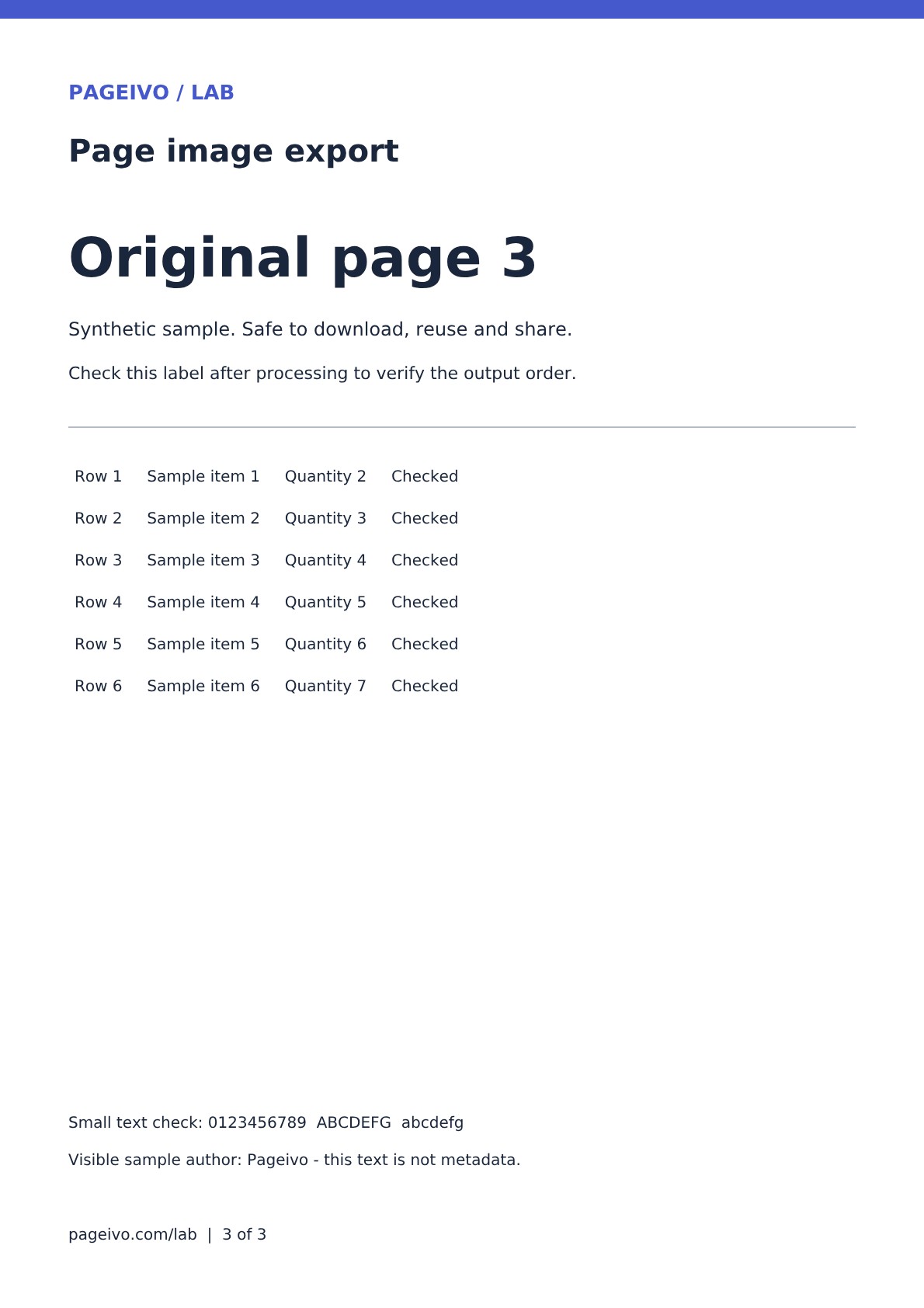
A three-page PDF, including a landscape page, becomes three JPG images in a ZIP.
Try it: Choose PDF to JPG, then extract the downloaded ZIP and inspect each image.
Start with these files
Compare the result
- Reference JPG archive273.6 KB
- Portrait page 1108.4 KB
- Landscape page 2109.2 KB
- Portrait page 3108.9 KB
Checks on the reference files
- Three images in the archive
- Portrait and landscape dimensions preserved at a render scale of 2
Require a password to open a PDF
An encrypted one-page reference rejects opening without a password and opens with the correct one.
Try it: Enter your own temporary test password, protect the sample and reopen the download. The public reference below has the published sample password.
Start with these files
- Source with sample metadata42.8 KB
Compare the result
Public reference password: Pageivo-Lab-Only-2026. This is for the synthetic sample only. Use a different, unique password for your own documents.
Checks on the reference files
- Opening without the password rejected by PDF.js
- Correct sample password opens the one-page reference
Split a workbook into three sections
Ranges 1-3,4-6,7-10 become separate PDFs with three, three and four pages.
Try it: Enter 1-3,4-6,7-10 in Split ranges, choose Split PDF and extract the ZIP.
Start with these files
- 10-page numbered source51.5 KB
Compare the result
- Three-part reference ZIP121.2 KB
- Part 1: pages 1-341.4 KB
- Part 2: pages 4-641.4 KB
- Part 3: pages 7-1042.2 KB
Checks on the reference files
- Three files contain 3, 3 and 4 pages
- Together their page labels cover the original ten pages once
What to check on your own documents
Open the downloaded result and inspect it in the reader you expect the recipient to use. Review small text, page order and any important interactive features. Forms, signatures, attachments, unusual fonts and large files need additional care; passing these samples does not prove support for every PDF structure.
All files here are synthetic Pageivo samples. You may download, reuse and share them to test PDF tools. Do not upload private documents or email them to us to reproduce these examples.