Choose a PDF
Add the large PDF you want to make smaller.
Reduce a PDF's file size by rebuilding its pages at a balanced image quality.
Add one PDF to begin. Your file remains inside this browser tab.
or drag and drop hereYour files are not uploaded to Pageivo. Keep this tab open until processing finishes.
A synthetic scan with 10-point text and a table is processed with all three current presets.
Try it: Start with scan-source.pdf each time. Choose a preset, compress, then inspect the download at normal size and close zoom.
| Preset | Result | Size reduction | Rendered pixels |
|---|---|---|---|
| Smaller file | 29.0 KB | 80.8% | 685 × 969 |
| Balanced | 55.7 KB | 63.2% | 893 × 1263 |
| Clearer pages | 91.1 KB | 39.8% | 1131 × 1600 |
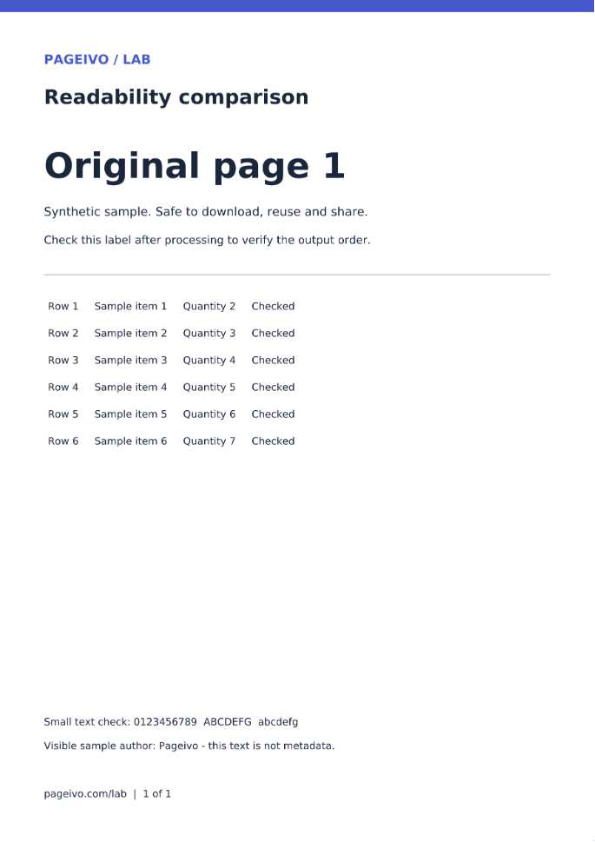
These reference files use the same PDF rendering library and presets as Pageivo with a Node canvas. Browser JPEG encoding can change file size and appearance. The percentages apply only to this sample, and the scan already has no text layer.
Large PDFs can be difficult to email or upload. Pageivo rebuilds each page using a quality preset you choose, which is especially effective for scanned and image-heavy documents.
Add the large PDF you want to make smaller.
Use Smaller file, Balanced or Clearer pages depending on your priority.
Download the new PDF and review it before deleting your original.
Choose a quick balance between readability and size.
Image-heavy documents often see the most noticeable reduction.
The pages are rendered and rebuilt on your device.
Pageivo performs this operation in your browser. Your selected file does not need to be uploaded to a Pageivo conversion server.
Compression rasterizes pages, so selectable text and links may not remain interactive.
A PDF that is already optimized may have little removable size.
Balanced is a good first choice for everyday documents.
Yes. Review the compressed copy before replacing an important original.