Find out which limit applies to the whole message
Email delivery is a size-budget task before it is an image-quality task. Check whether the service limits one attachment, all attachments together, or the complete encoded message. Also check the recipient’s limit. These can be different; do not assume a widely quoted provider limit applies to your account or recipient.
Some services replace a large attachment with a cloud-sharing link. That changes the delivery method and may change who can open the document. Review the link permissions instead of treating it as the same attachment.
Work out the remaining attachment budget
Fictional exercise: a receiving system allows 100,000 bytes of raw attachments in total, and a second attachment uses 40,000 bytes. That leaves 60,000 bytes for the PDF. This is an invented practice limit, not an email provider’s policy.
Use the saved Lab scan outputs below only as reference candidates for this arithmetic exercise. They are not evidence that your own document will shrink by the same amount.
| Candidate PDF | PDF bytes | Together with other attachment | Fits this raw-byte budget? |
|---|---|---|---|
| Original scan | 154,983 | 194,983 | No |
| Clearer pages | 93,322 | 133,322 | No |
| Balanced | 57,054 | 97,054 | Yes, subject to readability |
| Smaller file | 29,693 | 69,693 | Yes, subject to readability |
Check whether Pageivo compression is suitable
Pageivo converts each page to an image and builds a new PDF. It does not preserve selectable text, working links, editable forms, accessibility tags or a verifiable digital signature. If the recipient needs any of these, use a structure-preserving workflow or an approved alternative delivery method.
For a visual scan-sharing copy, begin with Balanced and inspect the downloaded result. The separate scanned-PDF guide focuses on choosing by small text, faint marks and image detail; this guide focuses on whether the reviewed copy fits the actual delivery budget.
- Open Compress PDF and select the original scan, or use Try a sample.
- Choose Balanced, compress and download the result.
- Open the exact download and check page count, edges and all important detail.
- Compare its actual byte size plus the other attachments against the applicable limit.
Leave room when the limit includes message encoding
A binary attachment encoded as Base64 takes approximately four characters for each three input bytes, before line breaks, MIME headers and the rest of the message. For the 57,054-byte reference PDF, the Base64 data alone is 76,072 characters. Do not apply the raw-attachment budget above to a service that limits the entire encoded message.
Use the provider’s documentation and the composer’s reported limit as the practical guide. There is no universal safe margin or one percentage that guarantees acceptance. The final send can still fail if the recipient has a stricter policy.
Select the correct copy and handle rejection deliberately
Save a descriptive sharing-copy filename and reopen that file before attaching it. Check every attachment in the composer, including anything automatically added from the earlier email thread. A valid smaller PDF does not help if the original large file remains attached too.
If the reviewed copy is still too large, ask whether the recipient accepts logical sections or an approved secure-sharing link. Do not split a required single-file submission or keep degrading a scan until an important number becomes unreadable. Keep the original.
| Problem | Next step |
|---|---|
| Composer rejects size | Check the total and the service’s definition of the limit |
| Recipient rejects the message | Check their actual restriction or approved alternative |
| Size fits but details are damaged | Regenerate from the original at a suitable quality |
| Search or form behavior was lost | Use a different workflow rather than another preset |
Try the worked example
A synthetic scan with 10-point text and a table is processed with all three current presets.
Try it: Start with scan-source.pdf each time. Choose a preset, compress, then inspect the download at normal size and close zoom.
Start with these files
- Original image-based PDF151.4 KB
Compare the result
- Smaller file result29.0 KB
- Balanced result55.7 KB
- Clearer pages result91.1 KB
| Preset | Result | Size reduction | Rendered pixels |
|---|---|---|---|
| Smaller file | 29.0 KB | 80.8% | 685 × 969 |
| Balanced | 55.7 KB | 63.2% | 893 × 1263 |
| Clearer pages | 91.1 KB | 39.8% | 1131 × 1600 |
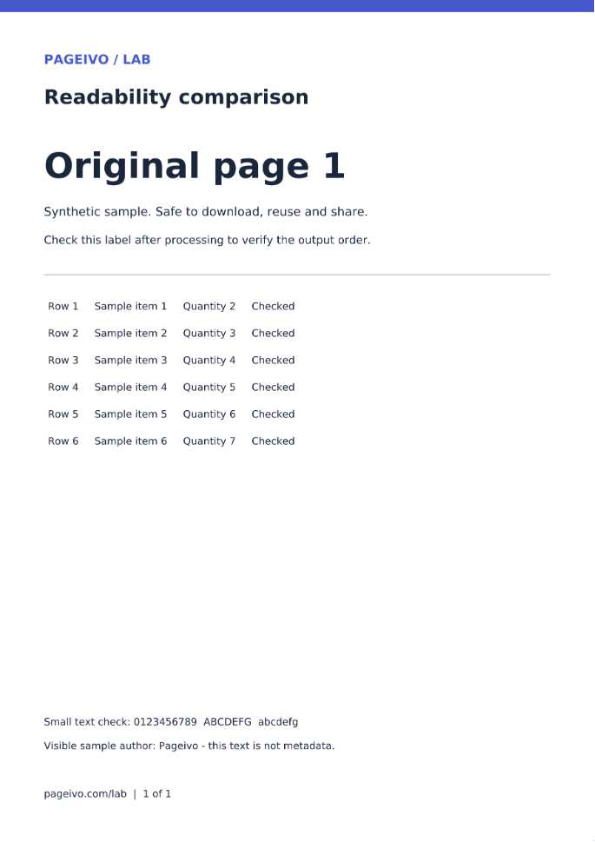
These reference files use the same PDF rendering library and presets as Pageivo with a Node canvas. Browser JPEG encoding can change file size and appearance. The percentages apply only to this sample, and the scan already has no text layer.
Technical references
The steps describe Pageivo's current implementation. These references explain the underlying PDF operations and their limits.
Use the related Pageivo tool
Make large PDF files easier to share. The operation runs in your browser and does not require an account.